In this guide
- Before your last day: make a personal-record checklist
- What not to take with you
- After separation: classify the request
- Why old login tutorials are especially risky for former employees
- If you still have W Connect access for a short period
- Keep identity data proportional to the request
- The practical handoff
- Build a separation folder around records, not screenshots of portals
- Keep a simple contact log for unresolved records
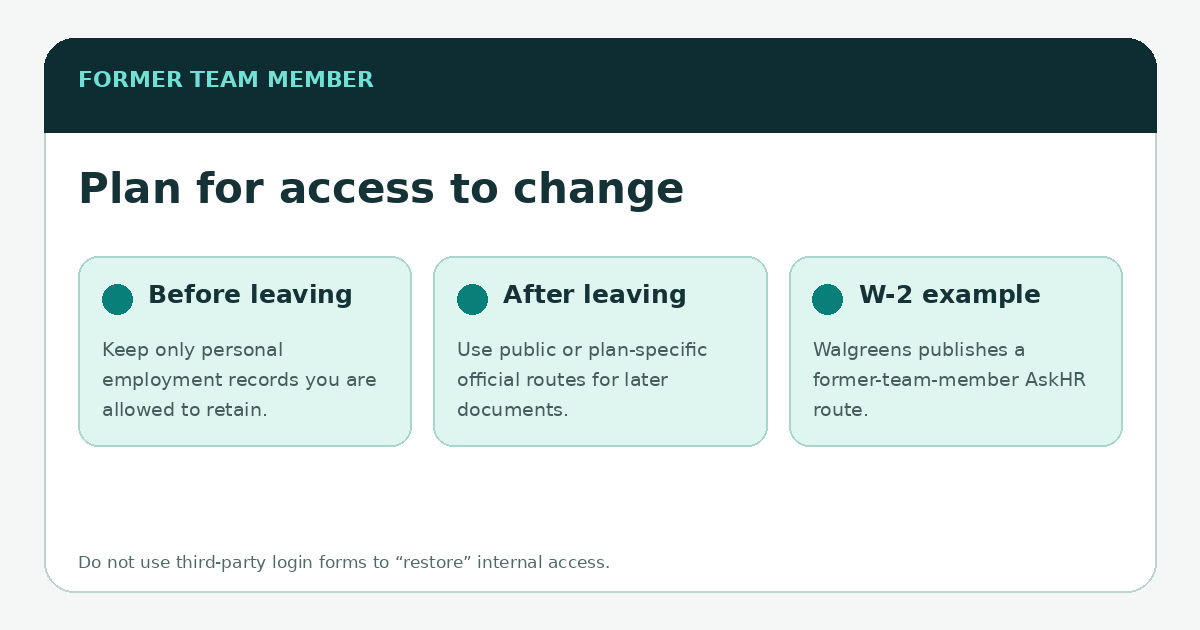
When you leave Walgreens, do not assume every employee system will remain available on the same schedule. W Connect and other internal tools are designed for team-member use, and access can change with employment status. The safer approach is to retain the personal employment records you are allowed to keep before separation, then use Walgreens’ public former-employee routes for documents that remain needed later.
The strongest public example is the W‑2. Walgreens’ current Company Info Help page tells former team members how to request a W‑2 through AskHR. That public route matters because it does not depend on an old internal bookmark continuing to work. For other records, use the official contacts and documents Walgreens provides for that specific benefit or employment issue.
Before your last day: make a personal-record checklist
- Your own recent pay statements and year-to-date payroll records, if available through the approved employee system.
- Benefit enrollment confirmations or plan documents you are entitled to keep, especially contact information for post-employment questions.
- Personal training or certification records that the company allows you to retain and that do not contain confidential internal material.
- Copies of employment-related notices addressed to you that may matter later.
- Current personal contact/address information in the official HR system, if Walgreens’ process allows you to review or update it.
What not to take with you
A personal-record checklist is not permission to copy company databases. Do not export customer or patient information, proprietary reports, other employees’ records, internal credentials, confidential pricing, or documents you are not authorized to retain. The goal is continuity for your own employment records, not a bulk download of workplace data.
After separation: classify the request
| Need | Best starting point |
|---|---|
| W‑2 | Walgreens’ public former-team-member W‑2 instruction; see the W‑2 guide. |
| Old pay statement | Ask Walgreens through an official HR/payroll route which record-retrieval process applies to former employees. |
| Benefit continuation or plan question | Use the plan/provider information and notices issued for your coverage; public careers summaries are not personal records. |
| Employment verification | Use Walgreens’ current official HR/employment-verification process rather than a W Connect login workaround. |
| Returning to Walgreens | Use the public careers route unless Walgreens explicitly directs you to an internal-candidate path. |
Why old login tutorials are especially risky for former employees
A former employee searching urgently for a tax form is a natural target for lookalike “employee portal” pages. If the old account no longer works, a fake page can claim that you must “re-verify” by entering a Social Security number, bank information or a one-time code. Instead, use a current public Walgreens source to establish the proper contact path. A loss of internal access does not make a third-party credential form legitimate.
If you still have W Connect access for a short period
Use it only for authorized employee tasks and personal records you are allowed to retain. Do not assume a grace period will last, and do not rely on W Connect as the only future route to tax or benefit information. Save official contact details from your personal plan and employment documents while you can.
Keep identity data proportional to the request
Former-employee processes may need identity verification. Provide information only through Walgreens’ verified channel and only as requested. This publication does not need an employee ID, Social Security number, W‑2 copy or government ID to answer a general question or correct an article. If you contact the publisher, describe the broken link or confusing wording rather than sending account records.
The practical handoff
Before separation, preserve authorized personal records and official contact details. After separation, stop treating W Connect as the answer to every document request and move to the public or plan-specific process that owns the record. That handoff is more reliable—and safer—than trying to keep an internal session alive indefinitely.
\n\nBuild a separation folder around records, not screenshots of portals
If policy permits, keep personal copies of documents that belong to you—such as final pay statements, tax forms when available, benefit notices and employment correspondence that you are entitled to retain. Give the files clear dates and keep them outside a company device that may be returned or wiped. A screenshot of a navigation menu is much less useful six months later than the actual record and the public contact route for replacing it.
Do not copy customer, patient, prescription, coworker or internal business data into that folder. Leaving a company does not turn company information into a personal record. When an account is disabled, use the public Walgreens channel for the specific document you need rather than trying to restore broad internal access solely to retrieve one file. For W‑2s, Walgreens currently publishes a former-team-member instruction on its company help page; see the W‑2 guide for the current route.
Keep a simple contact log for unresolved records
For an unresolved request, note the date, the official channel used, the document or year requested and any case or reference number you receive. That makes follow-up easier without storing passwords or repeating sensitive identifiers in multiple places. If the request concerns final payroll rather than tax forms, use the payroll record checklist to identify the exact pay period first.