In this guide
- Start with four lines on the statement
- Do not use today’s bank balance as proof of payroll error
- Where People Central fits
- A practical discrepancy checklist
- When to involve a manager, payroll or HR
- Save personal employment records before access changes
- The durable rule
- Build a small audit trail before reporting a payroll discrepancy
A Walgreens paystub or pay statement is a payroll record, so the useful question is not simply “how do I log in to W Connect?” W Connect may help a current team member reach internal resources, while People Central is publicly referenced by Walgreens as an HR information system. The statement itself—showing the pay period, earnings, deductions, taxes and net pay—is the record to review when you are trying to understand a paycheck.
Public Walgreens pages do not document a permanent click-by-click path for every employee to retrieve paystubs, and internal navigation can change. That makes a record-first guide more reliable than inventing a menu. Use the official employee route available to your account, locate the payroll or HR record system Walgreens currently presents, and save the statement you are entitled to keep. If the record is missing or looks wrong, identify the type of discrepancy before escalating.
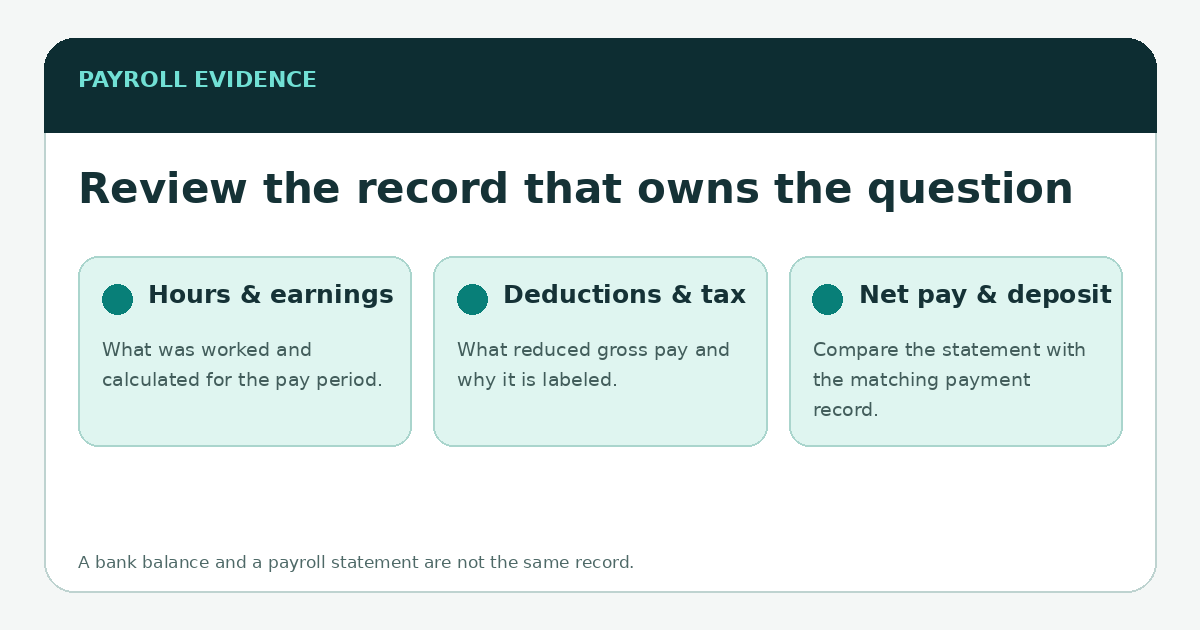
Start with four lines on the statement
- Pay period: confirm the dates the statement covers before comparing it with hours or a bank deposit.
- Gross earnings: review regular, overtime, differential, bonus or other earning categories that apply to the period.
- Deductions and taxes: separate tax withholding from benefit deductions, retirement contributions and other items.
- Net pay: compare the final amount with the payment method or deposit record, while remembering that timing can differ across systems.
Do not use today’s bank balance as proof of payroll error
A current checking-account balance can be lower than a paycheck because later purchases, transfers or holds occurred after the deposit. Conversely, a pay statement can look correct while a deposit is delayed or directed somewhere unexpected. Match the pay period and deposit entry first. If you are investigating a missing payment, keep the statement and the relevant bank transaction history as separate pieces of evidence.
Where People Central fits
Walgreens job postings identify SAP/People Central as an HR information system, which supports the idea that employee records live in a dedicated HR environment rather than in a communications feed. The exact menus visible to an employee are internal and can vary. Use the current official route provided in W Connect or by Walgreens management/HR instead of following screenshots from an unrelated year.
A practical discrepancy checklist
| Issue | Compare first | Useful evidence |
|---|---|---|
| Hours look wrong | Scheduled/worked time vs. paid hours for the same pay period | Timekeeping record, manager-approved corrections, pay statement |
| Deduction is unfamiliar | Deduction label vs. your enrollment or authorization record | Pay statement, benefits/enrollment record |
| Net pay differs from deposit | Net pay vs. the matching deposit entry | Pay statement and bank/payment record |
| No statement is visible | Employment/pay-period status and official HR/payroll access route | Date, pay period, non-sensitive error message |
| Old statement needed after leaving | Former-employee document route | See former team-member access and W‑2 guidance |
When to involve a manager, payroll or HR
Escalate when the underlying record appears wrong, not simply because a website is hard to navigate. A manager may be the right first contact for timekeeping corrections; payroll or HR is more appropriate for paycheck calculations, withholding records or employment-data issues. Use Walgreens’ official internal channels, and give the pay period plus the category of the discrepancy. Avoid sending a full Social Security number or banking credentials in ordinary email unless Walgreens’ official process specifically requires protected transmission.
Save personal employment records before access changes
If you know your employment is ending, it is sensible to retain the personal records you are allowed to keep—such as your own pay statements and benefit documents—through approved means while you still have access. Do not copy confidential company material or other employees’ information. For tax forms after separation, Walgreens publishes a former-team-member W‑2 contact route; that is covered separately in the W‑2 guide.
The durable rule
W Connect can help you reach resources, but a payroll question should be answered with payroll records. Identify the pay period, preserve the statement, compare the correct companion record, and send a focused question through an official Walgreens channel. That approach remains valid even when the internal menu moves.
\n\nBuild a small audit trail before reporting a payroll discrepancy
For a single pay period, save the statement and write down the pay-period dates, pay date, gross pay, major deductions and net pay shown on the record. Then compare those figures with the hours or compensation information you are authorized to see and with the bank transaction after the scheduled deposit has posted. The point is not to diagnose payroll software yourself; it is to separate a statement calculation question from a bank-posting question and give payroll or HR a precise period to investigate.
If more than one period is affected, list each period separately rather than describing a running total from memory. Keep copies in a personal location only when company policy permits and remove unrelated sensitive information before sending screenshots. A discrepancy involving taxes, benefit deductions or garnishments can require a different specialist than a missing time entry, so the exact line matters. For tax-form questions after the year closes, use the Walgreens W‑2 route; for benefits deductions, see the benefits guide.